A faster way to be together
One link.Everyone in.
NexMeet turns a browser tab into a focused meeting room—instant to start, effortless to join and designed to keep the conversation in control.
- No app required
- Guest-friendly links
- Host access controls
 Speaking
 Raised hand
Private roomAccess controls on
👏
Great pointReaction from Maya
Browser basedOpen a link and meet
No downloadsNothing new to install
Private accessFlexible entry controls
Scheduled meetingsPlan conversations ahead
Works across devicesDesigned to stay responsive
A complete meeting flow
From “shall we meet?”
to everyone connected.
Every step is designed to feel obvious: create the room, control access, invite people and stay focused once the conversation begins.
Instant video meetings
Bring everyone together in a few steps.
Create a room, copy the link and make space for the conversation.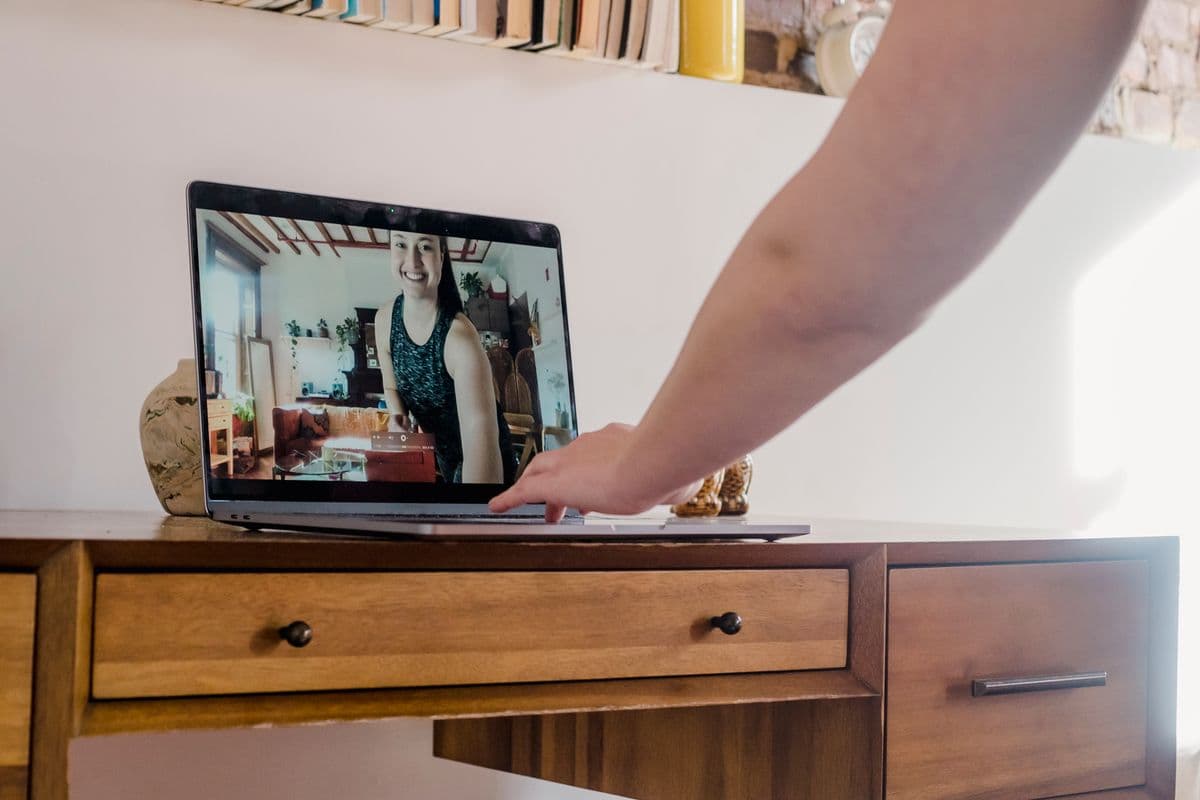
Secure access
The right people. Your rules.
Use optional passwords and host approval where the conversation needs them.
Scheduled meetings
Make time for what matters.
Plan a future room and share the invitation ahead of time.Waiting room
Welcome each guest with clarity.
Review requests before someone enters an approval-required room.Chat, reactions & raise hand
Stay part of the moment.

Host controls
Lead the room with confidence.

Built around the conversationLess interface between people
Why NexMeet exists
Meeting software should disappear when people start talking.
We designed NexMeet around the moments that usually create friction: getting everyone into the room, knowing who is waiting, finding the controls you need and keeping the meeting private when it matters.
Start in momentsInstant rooms without setup overloadInvite with one linkA clear path for every guestDecide who entersPassword and waiting-room optionsKeep people involvedChat, reactions and raised hands
Why NexMeet?
Less friction.
More human connection.

Simple to start
Move from an idea to a live meeting without a complicated setup.

Easy for guests
Share one meeting link and guide guests through a focused joining flow.
Built around control
Choose open access, a password or waiting-room approval for each room.
Designed for conversation
Keep faces, voices and participation at the center of the experience.
A calmer place to collaborate
A meeting space
that stays out of the way.
Video stays central. The controls you need remain close. Everything else gives the conversation room to breathe.
SpeakingRaised handFrom a link to live
Three clear steps.
One real conversation.
01Room ready
Room readyCreate
Start an instant room or schedule a time that works.
02 Invite copied
Invite copiedShare
Send the private meeting link to the people you want there.
03Everyone is ready
Everyone is readyMeet
Prepare your camera and microphone, then join the room.
Control that stays with you
Your meeting.
Your control.
Choose how people enter, decide who joins, and keep control of your meeting from start to finish.
- Password protectionAdd an optional step before entry.
- Waiting-room approvalReview guests before they join.
- Host moderationKeep important room decisions close.
SpeakingWaiting room enabledPassword protectedHost approval required
Made for people, not personas
For the conversations
that move things forward.
From a quick check-in to a focused learning session, NexMeet keeps the experience centered on who is there.
01
Teams
Share decisions and move work forward.
02
Students & educators
Create room for learning and discussion.
03
Friends & communities
Stay close through conversations that feel natural.
04
Remote collaboration
Bring ideas and people into one focused space.
NexMeet supportHelp when the meeting matters.
Support without the runaround
Need help getting everyone connected?
Start with quick answers for joining, access controls, audio, video and meeting links. NexMeet keeps support close to the same simple experience as the product.
Browser firstNo desktop setup to troubleshootClear controlsEasy-to-find meeting actions
Useful answers, up front
Questions?
Answered.
What to expect before you create, share or join a NexMeet room.
NexMeet is a browser-based video meeting platform for starting instant rooms, scheduling conversations and bringing guests together through one meeting link.
No. NexMeet works in a supported modern browser, so you can open the invitation and continue without installing a separate desktop application.
Yes. Guests can enter a display name and follow the access steps chosen for that meeting.
Yes. Meeting creators can require an optional password before a guest continues to the room or waiting area.
Yes. Approval-required meetings place guests in a waiting room where the current host can admit or reject each request.
Yes. Signed-in users can create a scheduled meeting for a future date and time, then share its invitation.
Yes. The in-meeting controls include screen sharing in supported browsers.
Yes. Participants can use meeting chat, reactions and raise hand alongside video and audio.
The current host can manage waiting-room requests, leave while passing host responsibility to another participant, or end the meeting for everyone.
NexMeet can resume the same participant session during a refresh or reconnection. A temporary connection loss is treated differently from choosing Leave meeting.
The room is yours
Start with a link.
End with progress.
Create a NexMeet room, invite your people and get straight to the conversation.